


Payment & Security

Shipping and Returns
- Fast shipping within 48 hours, with each product individually tested.
- After the product is shipped, the delivery time is usually 2 to 3 business days in the USA, 3 to 8 business days in Europe, and 5 to 15 business days for the rest of the world.
- We offer a 12-month warranty. If you wish to return the product, please contact us first and ensure that it is undamaged and properly packaged.
Estimate shipping
Payment & Security
Shipping and Returns
- Fast shipping within 48 hours, with each product individually tested.
- After the product is shipped, the delivery time is usually 2 to 3 business days in the USA, 3 to 8 business days in Europe, and 5 to 15 business days for the rest of the world.
- We offer a 12-month warranty. If you wish to return the product, please contact us first and ensure that it is undamaged and properly packaged.
Estimate shipping
Description
Specifications
Kimeery Four-stage test
Installation tips
Description
Features:
● Original size, perfect fit
● Sensitive touch
● Oleophobic coating
● Easy to install
● 100% tested before shipping
Packaging:
● Blister bag + bubble wrap bag + cardboard box
● Blister bag + bubble wrap bag + cardboard box
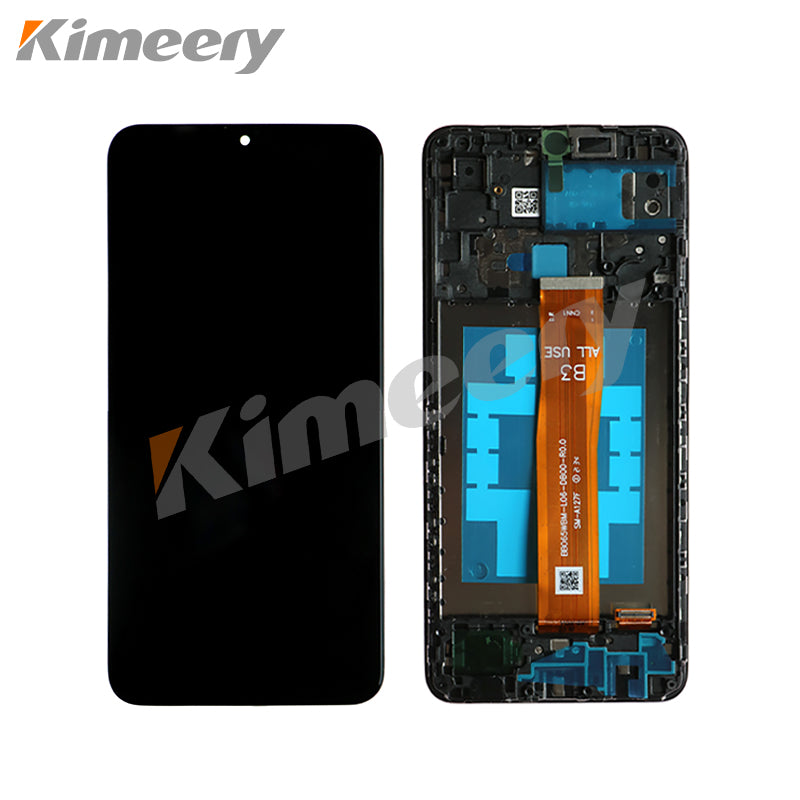
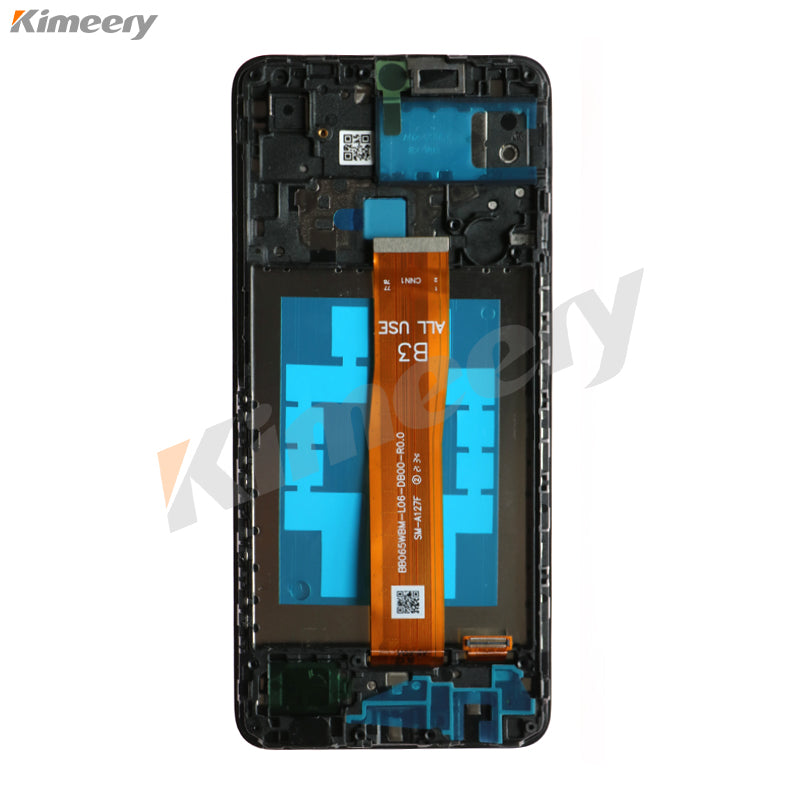
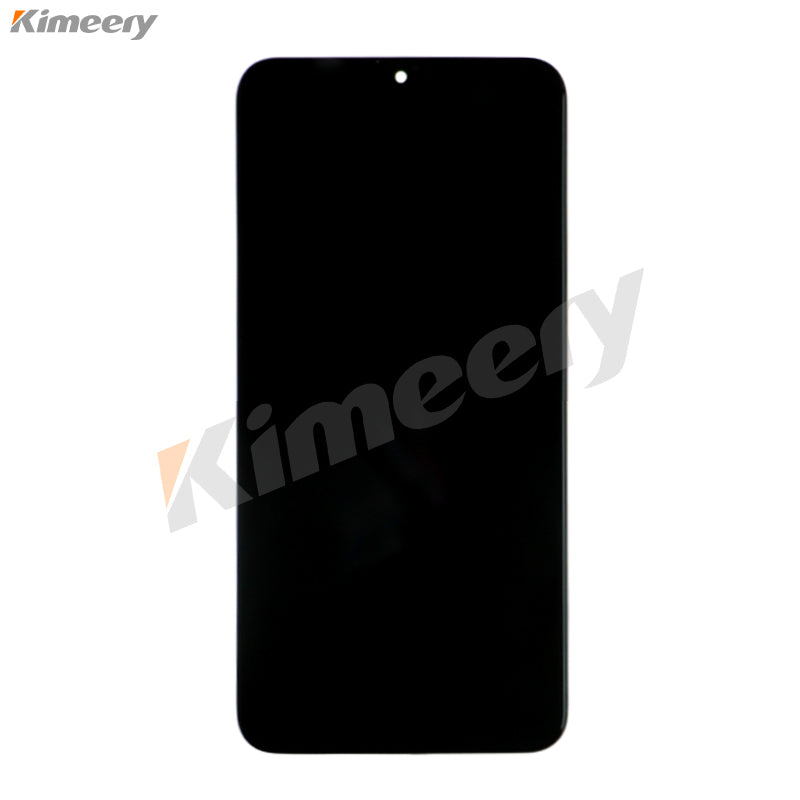
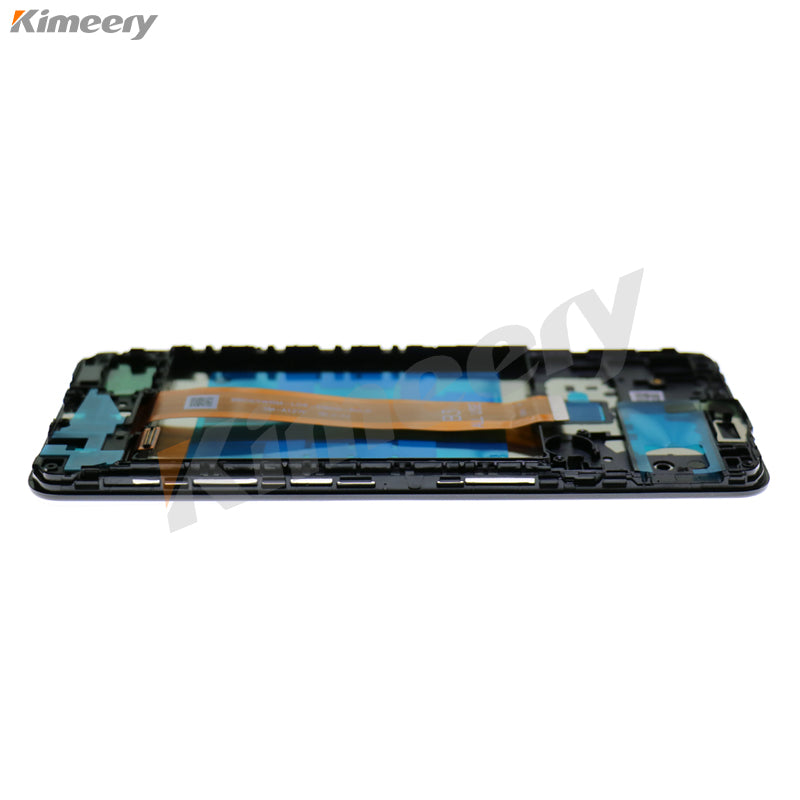
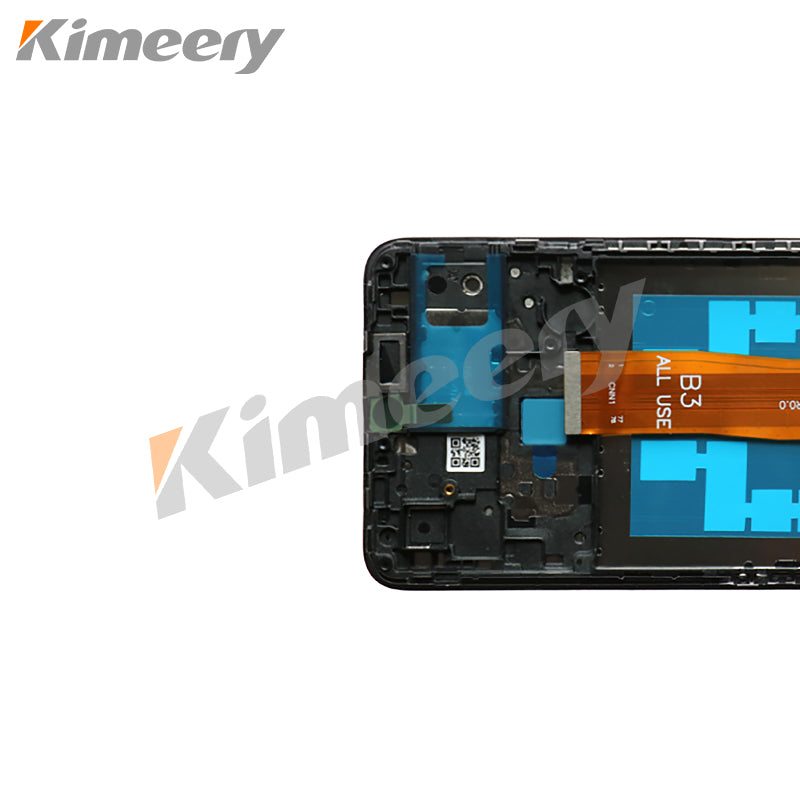
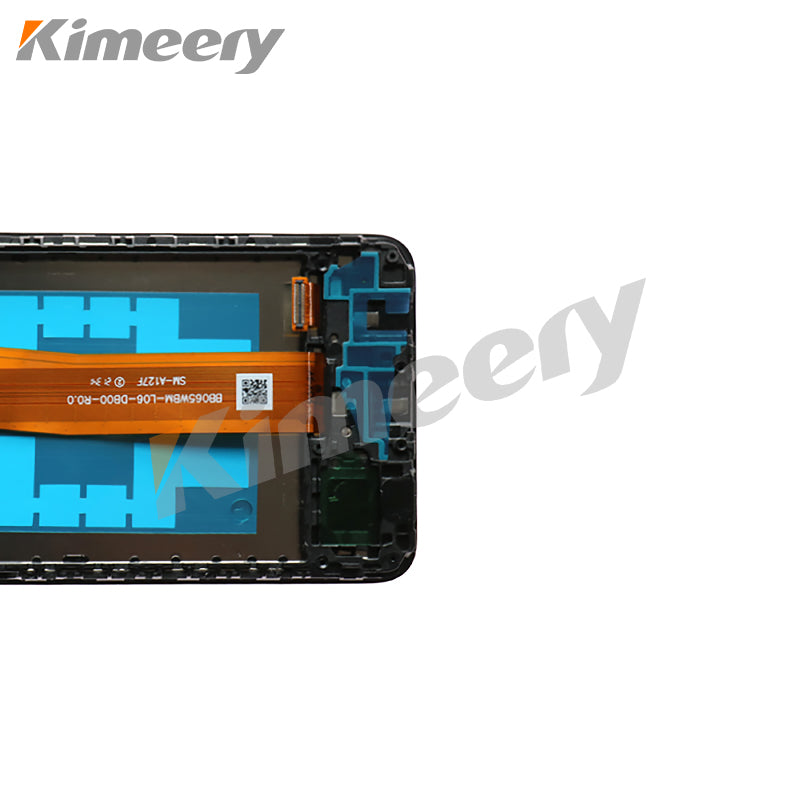
Introducing the premium replacement screen designed specifically for the Samsung A02. This high-quality screen ensures your device retains its vibrant visuals and responsive touch functionality. Precision-engineered, the screen features advanced technology that enhances color accuracy and brightness, providing an immersive viewing experience for videos, games, and everyday tasks. With easy installation and a perfect fit, this screen is ideal for those looking to restore their device to its original glory. Whether it's cracks, dead pixels, or unresponsive touch areas, this replacement screen is the ideal solution for flawless performance. Upgrade your Samsung A02 today and enjoy a screen that feels like new!
Specifications
Kimeery Four-stage test
Installation tips


